
A broadcast that will not start is not always an app problem. It may involve your connection, a particular source or the provider’s restrictions. Start with these checks.
One source or everything?
Check whether just one channel is affected or every broadcast. This is the most useful first clue when investigating a playback problem.
- Try a second channel or radio station.
- Confirm your device has internet access by opening another webpage.
- Close and reopen the app. Check the official store for an update.
- If the issue only happens while casting, first try the same source directly on your phone.
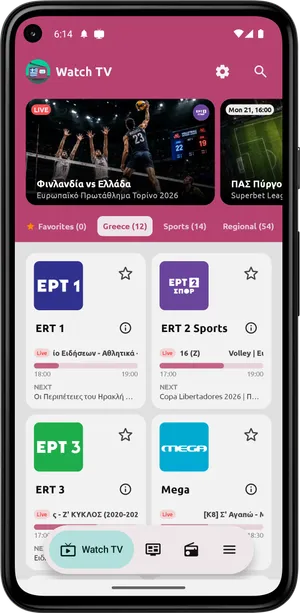
A single channel is unavailable
Its source may have a temporary interruption or may have changed. Try again later and check the provider’s official website where available. The app cannot guarantee continuous operation of external broadcasts.
Watching outside Greece
Some channels and stations restrict broadcasts by country. If a channel is unavailable in your region, reinstalling the app does not change the provider’s policy. Check the official source for terms and availability.
Picture or sound keeps stopping
Try a stable Wi-Fi connection and reduce other simultaneous downloads on the same network. Check the volume on both your device and casting receiver. If the problem persists for only one source, note the channel and time for your report.
What to send to support
Include the channel or station name, device model, app version, country and whether you are casting. Add the exact error message if there is one. Send only information relevant to the problem, without passwords, personal account credentials or private stream links.
Download for Android · Contact
Sources & availability
Capabilities are based on the official app listing. Steps and menu names may differ by version and device. Google Play
Screenshots show version 2.1.6, confirmed by the developer.
Content checked:
App screenshots · not a live broadcast